Capture Moments Instantly.
The fastest way to take screenshots on Android. With overlay controls, timestamps, and a built-in gallery, capturing your screen has never been easier.
Download on Google Play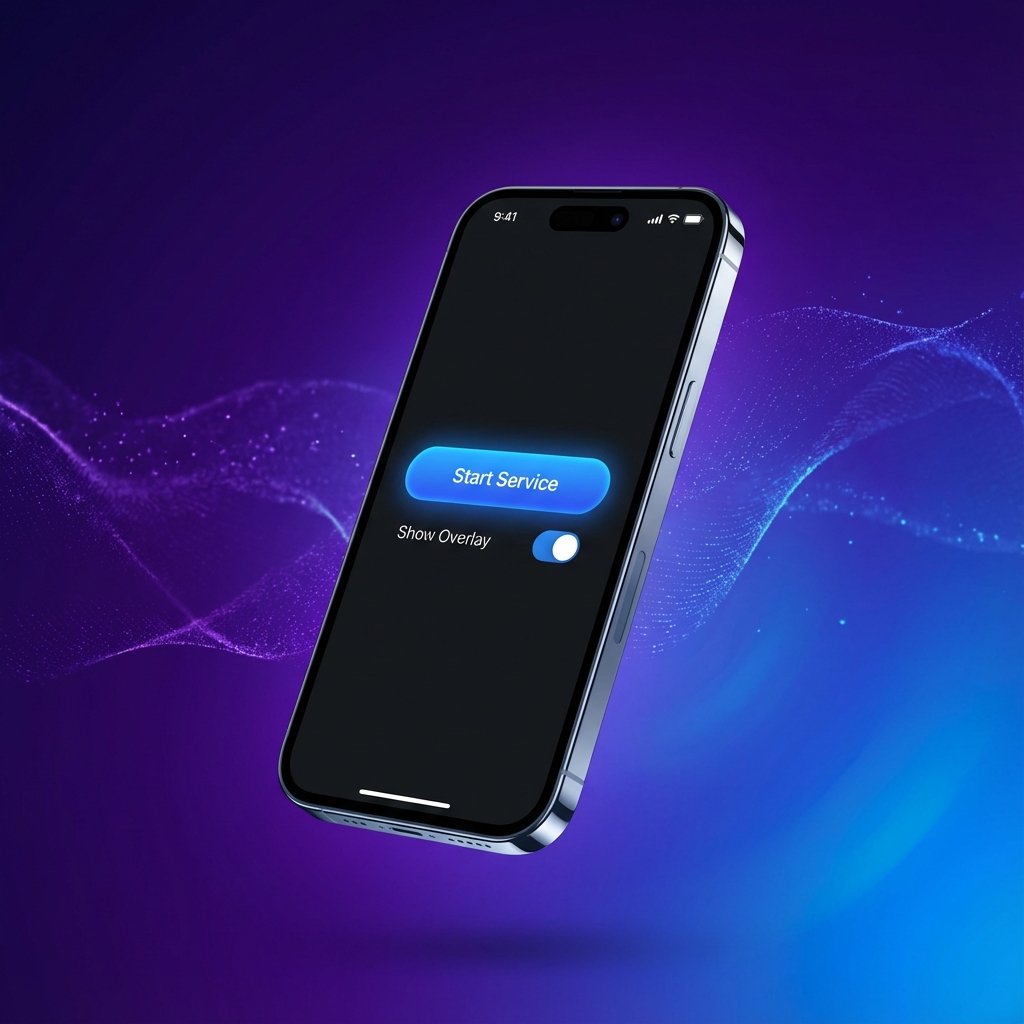
The fastest way to take screenshots on Android. With overlay controls, timestamps, and a built-in gallery, capturing your screen has never been easier.
Download on Google Play
Start the service and capture your screen with a single tap on the unobtrusive overlay button.
Automatically add date and time to your screenshots. Never forget when a moment happened.
Manage your screenshots directly within the app. Delete unwanted shots instantly.
Enjoy a clean, ad-free experience with our optional one-time purchase.
Open the app and tap "Start Service".
Tap the floating button to capture instantly.
Open the gallery to view, share, or manage your shots.